Log the whole day
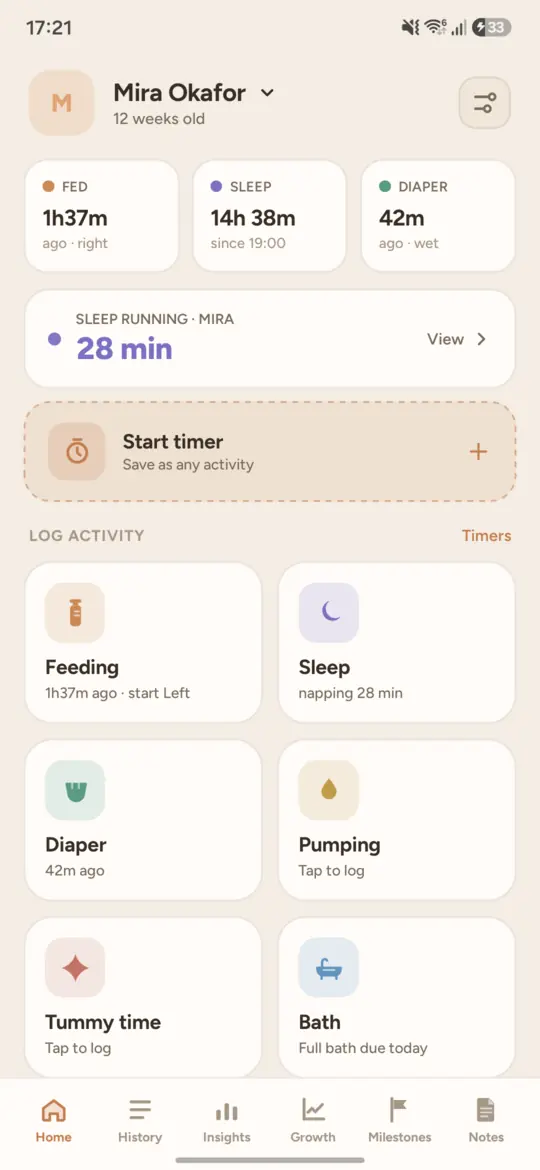
Feeding, sleep, diapers, pumping, temperature, growth, tummy time, medication, baths and notes. Each one is a couple of taps, and the common ones sit on the launcher icon as shortcuts.
Budkin is a native Android baby tracker. Feeds, sleep, diapers, pumping and the rest, with timers that bend when real life gets in the way. Nothing to sign up for, nothing to set up, and a full Baby Buddy client if you already host one.
No account, no server, no signal required.
What it is
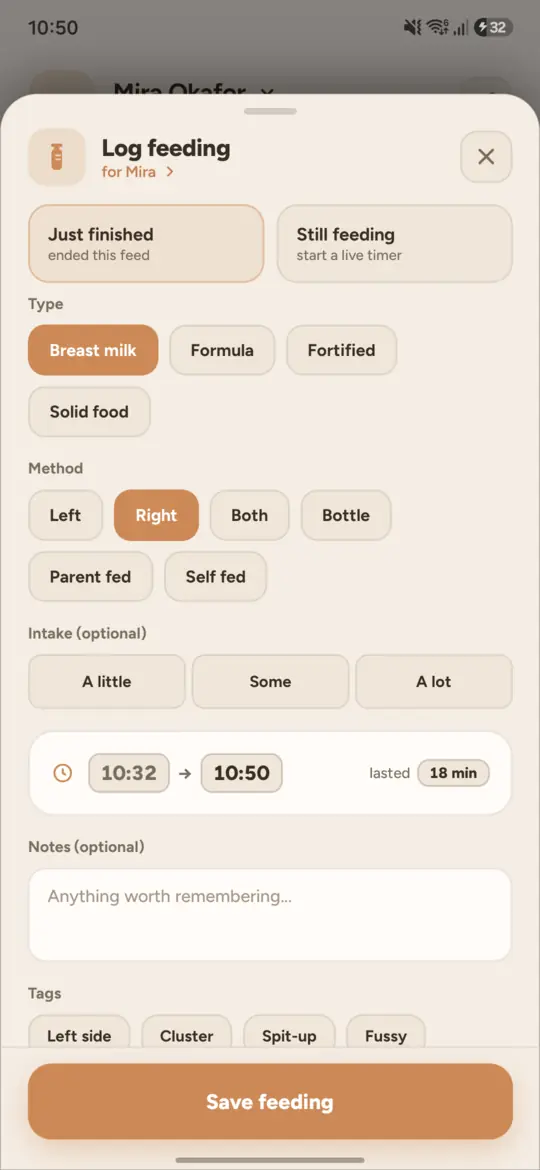
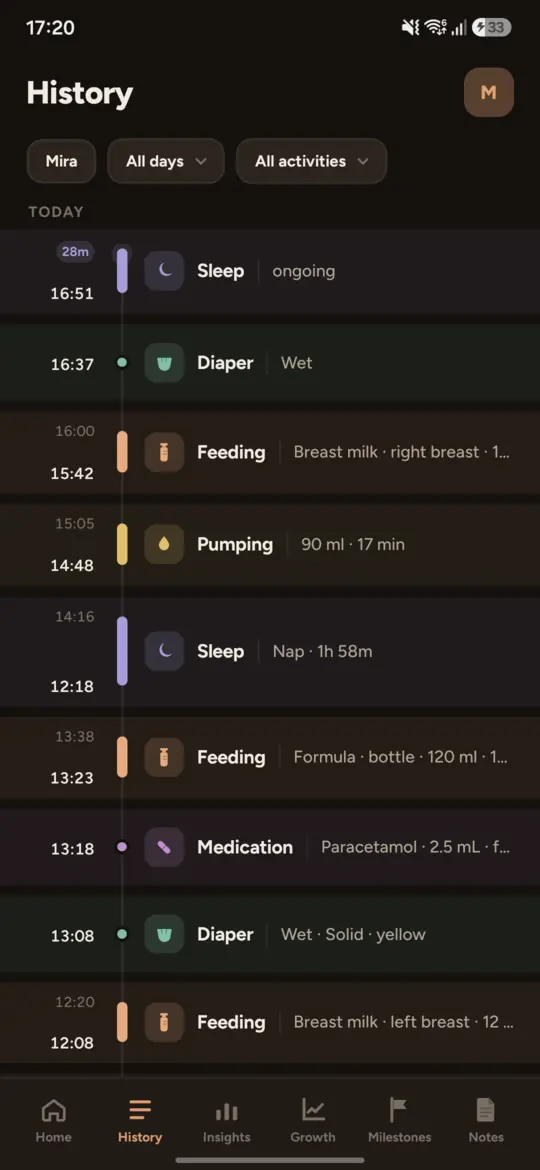
Budkin records a baby's day: feeding, sleep, diapers, pumping, temperature, growth, tummy time, medication and more. Every entry can be corrected afterwards, because a nap gets interrupted and a feed is often logged five minutes after it happened.
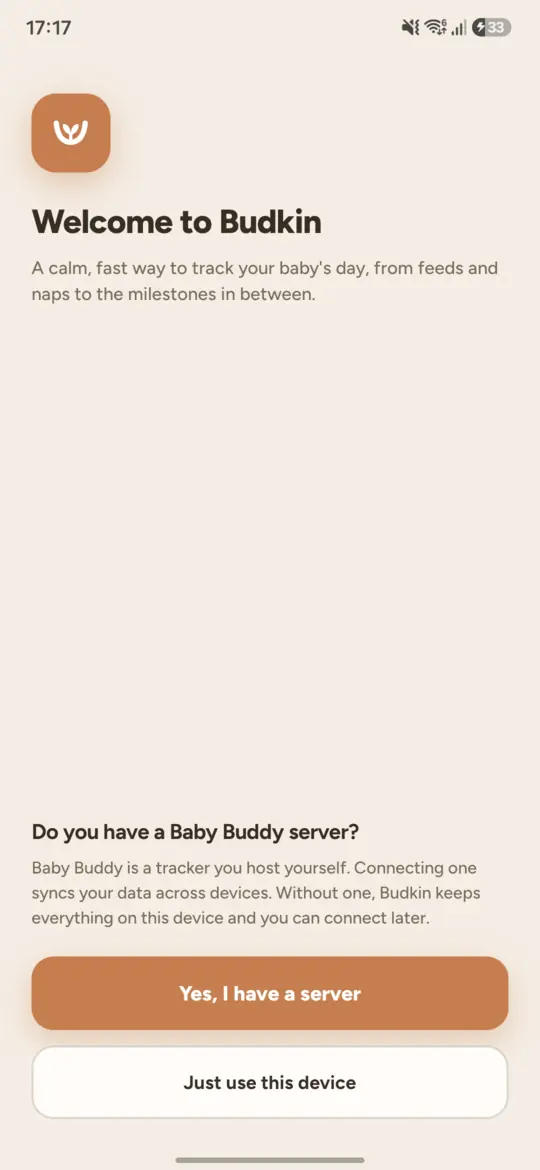
Nothing is required to start. There is no account, no registration and no server: open the app and log something. Your entries stay on the device and the whole app keeps working with the network off.
If you already run Baby Buddy, Budkin is also a full native client for it, described further down.
Features
Feeding, sleep, diapers, pumping, temperature, growth, tummy time, medication, baths and notes. Each one is a couple of taps, and the common ones sit on the launcher icon as shortcuts.
Fill in the details first, then start the timer. Nudge either end by 5 or 15 minutes, set a duration outright, change one that is already running, or turn a finished entry back into a timer when the nap resumes.
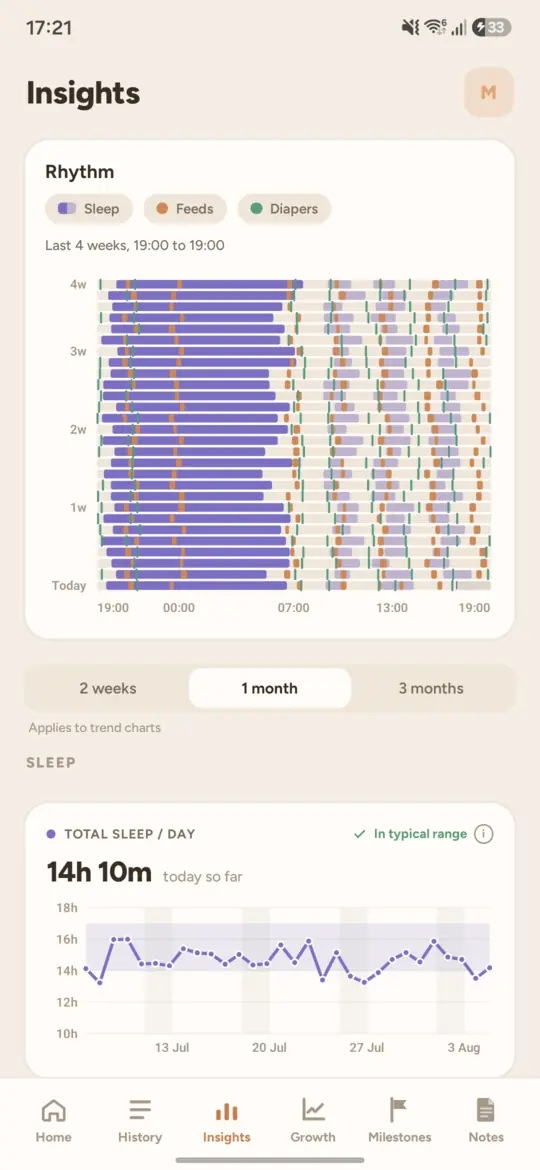
Four weeks of sleep, feeds and diapers laid side by side, with the numbers underneath: total sleep, the longest stretch at night, the average wake window, feeds per day, wet and dirty per day.
A treatment coming due, a pumping interval, a nap suggested as the wake window closes, a timer left running, a birthday. Every reminder is switched on or off on its own.
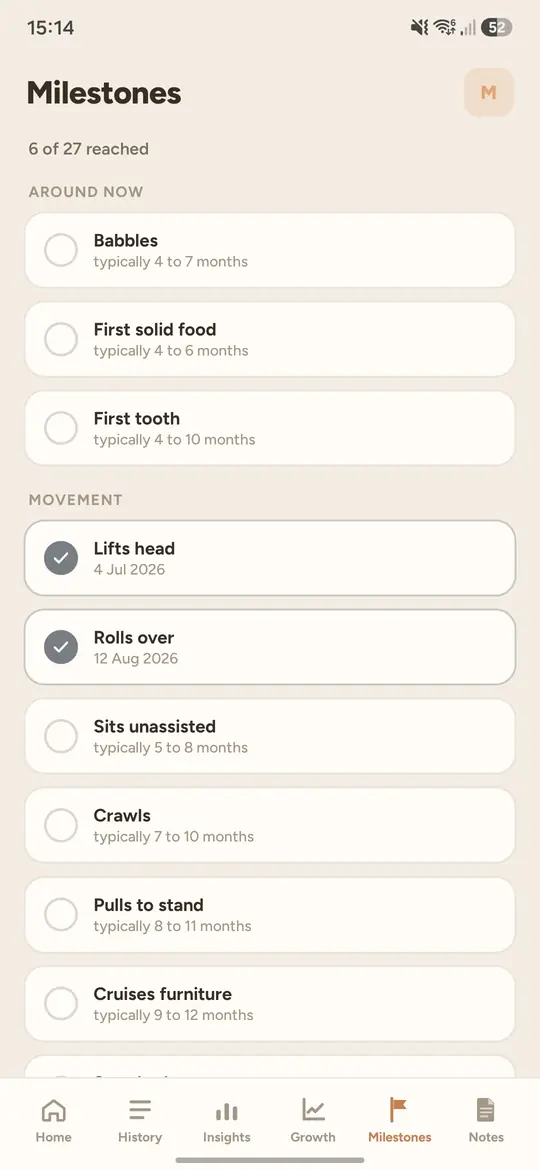
From the first smile to the first steps, each with the age range it usually falls in. When a window passes with nothing logged, Budkin asks whether it happened.
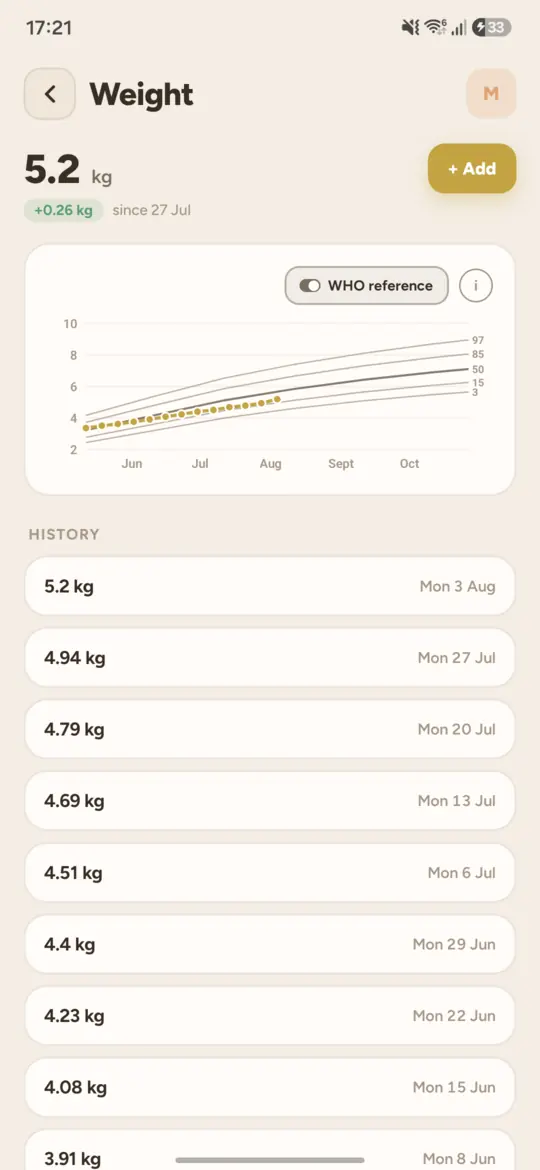
Weight, height and head circumference plotted against the WHO reference percentiles, with every weigh-in listed underneath.
A widget with the last feed, diaper and nap, and a one-tap nap toggle that starts or stops a sleep timer without opening the app.
The app runs from the device, so losing signal changes nothing. With a server connected, whatever you log offline is queued and sent once you reconnect.
A look around
Baby Buddy
Baby Buddy is an open-source baby tracker you run on your own hardware. Its web interface is built for a desktop browser, which makes it awkward to use one-handed on a phone.
Budkin is a native Android client for it, with full feature parity. Give it the address of your instance and an API key, and it syncs on its own in both directions; a manual refresh is there for when you want it.
Budkin is an unofficial client, built independently. It is not affiliated with or endorsed by the Baby Buddy project or its maintainers.
Your data
Out of the box Budkin needs no account, no address and no network. The whole app runs from the device and nothing leaves it.
Connect a Baby Buddy instance you host and the address you typed in is the only place your entries are ever sent.
There is no Budkin account and no Budkin server. The developer has no copy of your data and no way to get one.
The detail is in the privacy policy.
Available for Android. An iOS version is planned.